Your Data Cap Has a Hidden Enemy — And It Shows Up Every Commercial Break
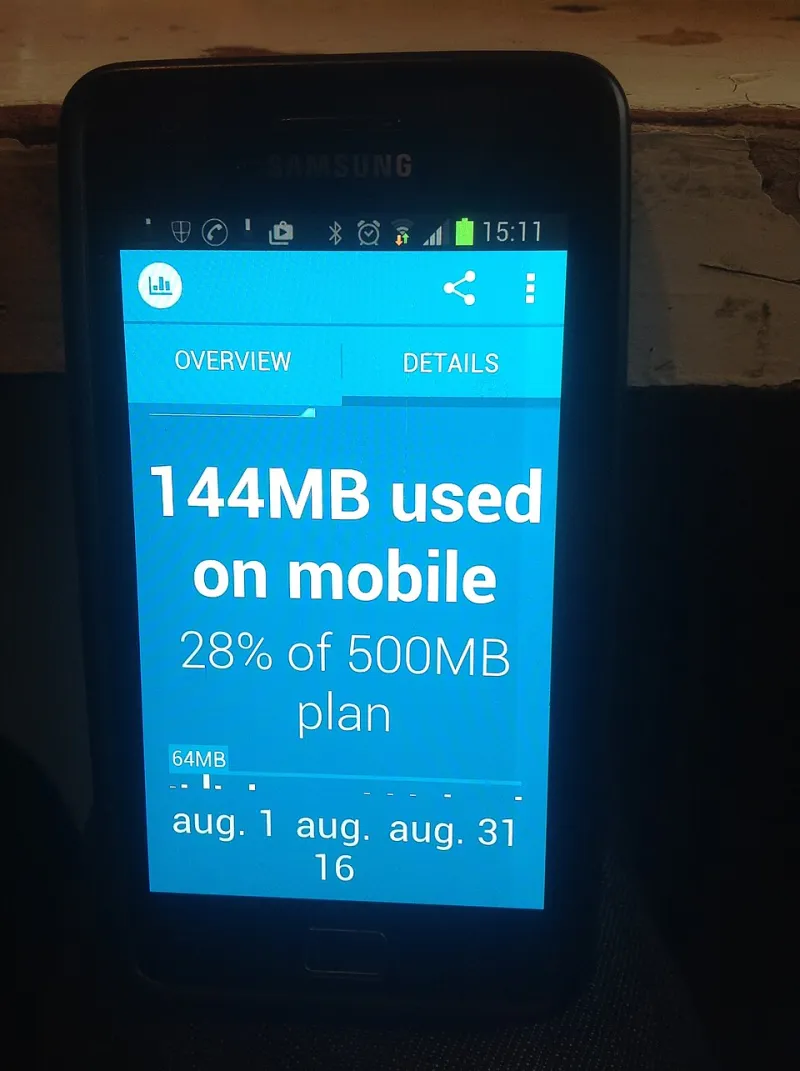
Photo: Prolete, CC0, via Wikimedia Commons
Most people who sign up for a cheaper, ad-supported streaming tier are thinking about one thing: saving a few bucks a month. Fair enough. But there's a cost that never shows up on your billing statement — and if you're one of the tens of millions of Americans on a capped home internet or mobile data plan, it's a cost you're quietly absorbing every single time you sit down to watch TV.
We're talking about data. Specifically, the extra data that ad-loaded streaming tiers consume compared to their ad-free counterparts. It's a metric that streaming platforms have zero incentive to advertise, and one that most subscribers never think to check.
Why Ads Use More Data Than You'd Expect
Here's the thing about streaming ads that surprises a lot of people: they're not just video content that happens to play before your show. Ads on platforms like Hulu are delivered through a completely separate pipeline from the content you actually paid to watch. That means your device isn't just loading one stream — it's managing multiple data requests simultaneously.
When an ad break hits, your streaming app reaches out to ad servers, pulls targeting data, loads ad creatives (often at high bitrates to meet advertiser quality standards), and then logs impression data back to the platform. Each of those handshakes costs bandwidth. And because ad content is typically served from different CDNs (content delivery networks) than the main video stream, there's often additional overhead involved in establishing those connections.
Advertisers also pay a premium for high-quality ad delivery. That means the video bitrate on a 30-second car commercial is frequently comparable to — and sometimes higher than — the actual show you're watching. You're not getting a compressed, low-res filler clip. You're getting a broadcast-quality advertisement optimized for maximum visual impact, whether you want it or not.
Putting Real Numbers to the Problem
Let's get concrete. Streaming video at 1080p on a platform like Hulu typically runs somewhere between 3 and 8 Mbps depending on compression, network conditions, and the specific encoding used. An hour of content at a steady 5 Mbps burns through roughly 2.25 GB of data.
Now factor in ads. A typical hour of ad-supported Hulu content includes somewhere between 8 and 12 minutes of advertisements. If those ads stream at a comparable or higher bitrate — which they frequently do — you're looking at an additional 300–600 MB per hour just from commercial content. Across a household that streams three or four hours a day, that adds up to an extra 27–54 GB per month that you never actually chose to download.
For context, many rural and mobile internet plans in the US cap out at 100–200 GB per month. Some fixed wireless plans — the primary option for millions of Americans outside major metro areas — cap even lower. Burning through an extra 30–50 GB just on ads you didn't want to see isn't a rounding error. It's a meaningful chunk of your allowance.
The Mobile Streaming Problem Is Even Worse
If you do any streaming on your phone or tablet over cellular data, the math gets uglier fast. Mobile data is significantly more expensive per gigabyte than home broadband in the US, and most plans either have hard caps or throttle speeds after you hit a threshold.
Streaming a two-hour movie on an ad-supported tier while traveling could realistically add 500–800 MB of pure ad data to your bill — content you didn't watch by choice and can't opt out of without upgrading your subscription tier. For users on a 5 GB or 10 GB mobile plan, that's a noticeable hit.
How to Actually Monitor What You're Using
The good news is that tracking your streaming data usage isn't as complicated as it sounds. Here are a few practical approaches:
Check your router's traffic monitoring tools. Most modern routers — especially those running firmware like DD-WRT or OpenWrt — include per-device bandwidth tracking. If you can isolate your streaming device, you can get a rough sense of how much data it's pulling during viewing sessions.
Use your ISP's data usage dashboard. Most major US internet providers (Comcast/Xfinity, AT&T, Cox, etc.) offer monthly data usage summaries in their account portals. While these won't break down usage by app, monitoring your overall consumption before and after switching streaming tiers can reveal meaningful differences.
Try a network monitoring app. Tools like GlassWire (Windows/Android) or Little Snitch (Mac) can show you real-time data usage broken down by application and even by individual connection. Running one of these during a streaming session can be genuinely eye-opening.
Lower your streaming quality settings. Most platforms let you manually cap video quality. Dropping from 4K or 1080p to 720p won't dramatically change the viewing experience on most TVs from a normal couch distance, but it will meaningfully reduce your data consumption — ad traffic included.
The Bigger Picture: You're Paying Twice
Here's the framing that tends to land with people once they see the numbers: if you're on a capped internet plan and streaming on an ad-supported tier, you're not just paying a lower monthly subscription fee. You're also paying your ISP for the data those ads consume. The advertiser gets their impression, the platform gets their ad revenue, and you get a smaller data allowance and a slightly higher effective cost per month.
That's not a conspiracy — it's just how the economics shake out. But it's worth knowing, especially as more Americans find themselves on plans with stricter data limits. The "cheap" streaming tier isn't always as cheap as the price tag suggests once you account for what it's actually doing to your bandwidth.
The clearest fix, of course, is upgrading to an ad-free tier — which eliminates the ad pipeline entirely and often results in more efficient, consistent video delivery. Whether that's worth the price difference depends entirely on your situation. But at least now you know what you're actually comparing.